
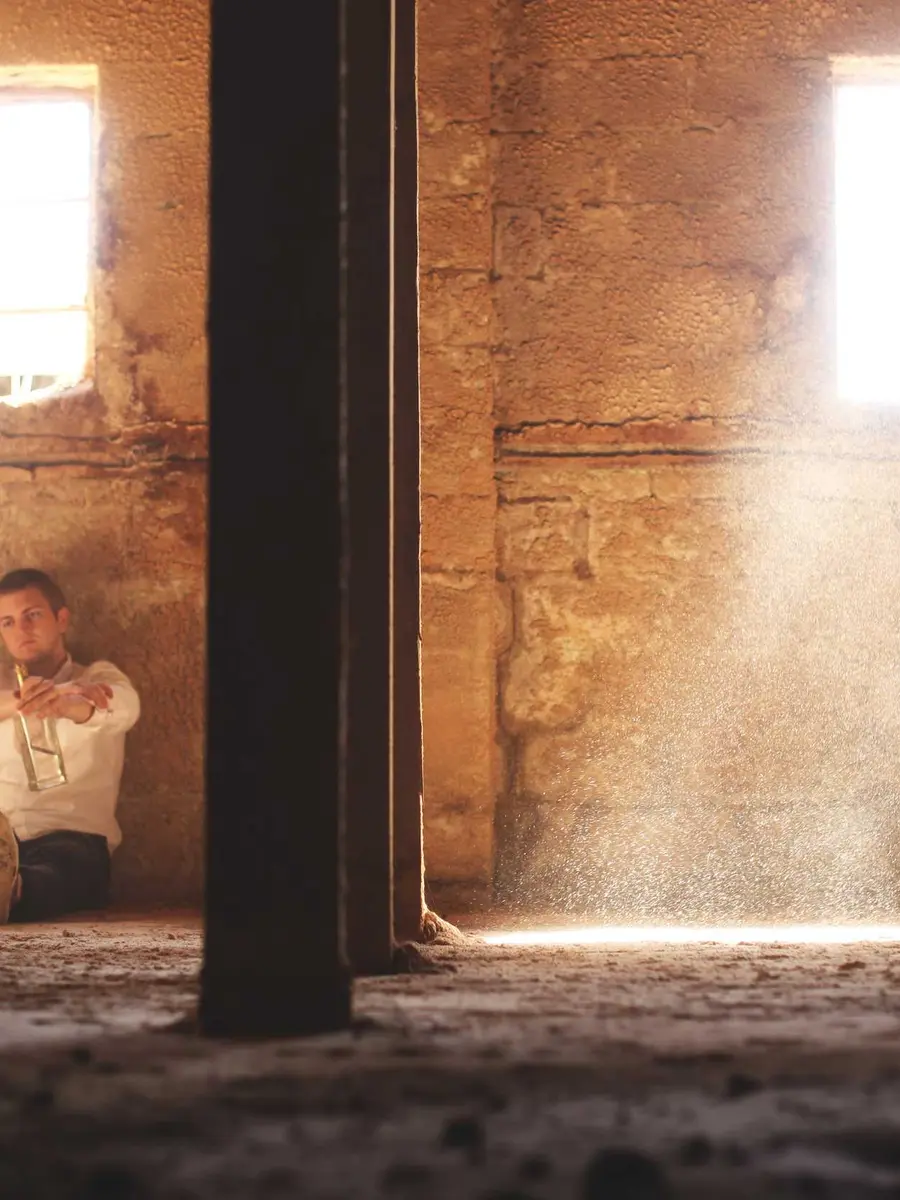
 Close shot
Performance
Portrait motion study
A single subject, readable expression change, and restrained camera path.
MiniMax H3 is MiniMax’s next-generation open-weights, general-purpose multimodal video model. It understands text, image, video, and audio inputs in a unified way—and turns them into controllable 2K clips instead of one-off silent sketches.
MiniMax documents MiniMax H3 as a unified model for inventing shots from text, locking first/last frames, and guiding results with reference media.
These local covers stand in for the kinds of directed clips H3 is built for: performance, product motion, environment, fashion, and camera-led storytelling.
Close shotA single subject, readable expression change, and restrained camera path.
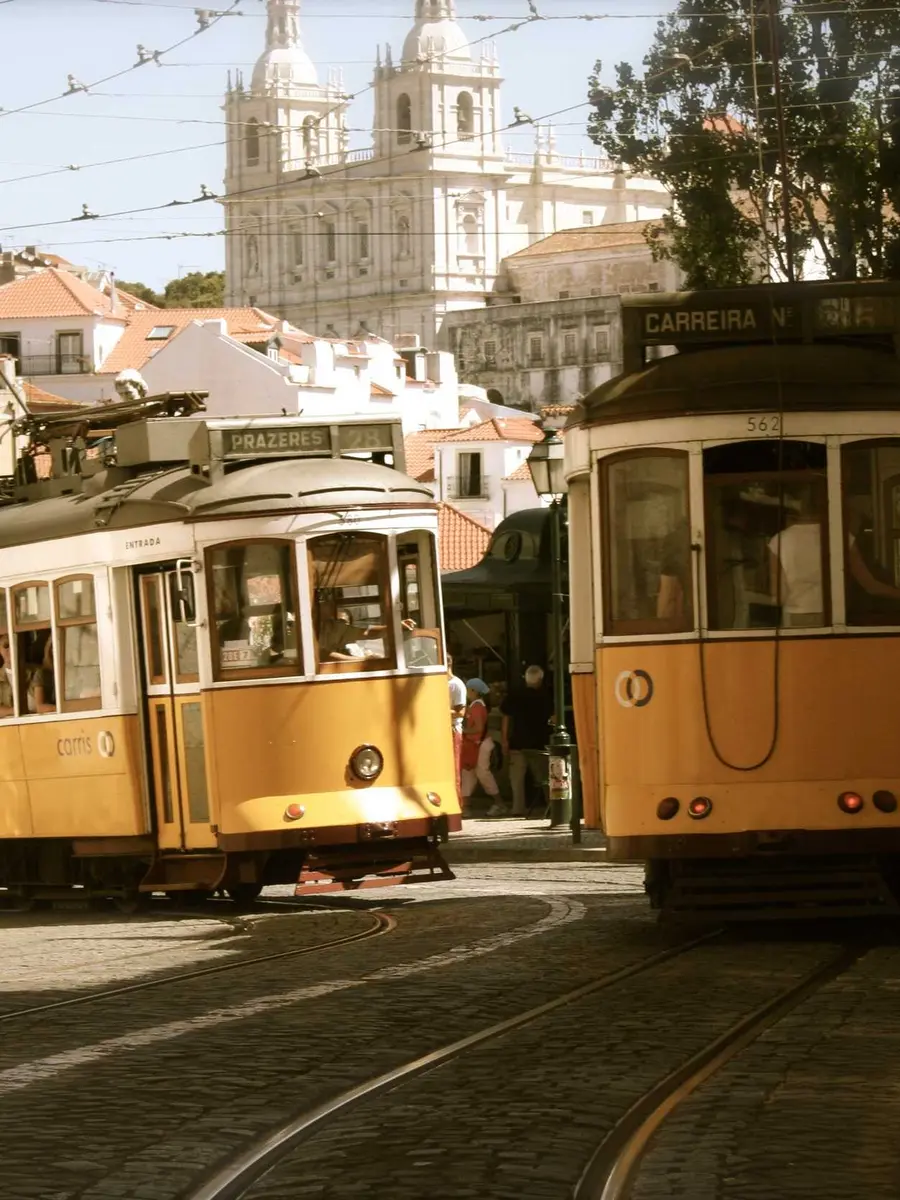 Cinematic street
Environment, practical lights, and one dominant movement through the frame.
 I2VA style
First-frame identity stays stable while light and camera do the work.
 Landscape motion
Scale, weather, and a final wide beat instead of a crowded plot.
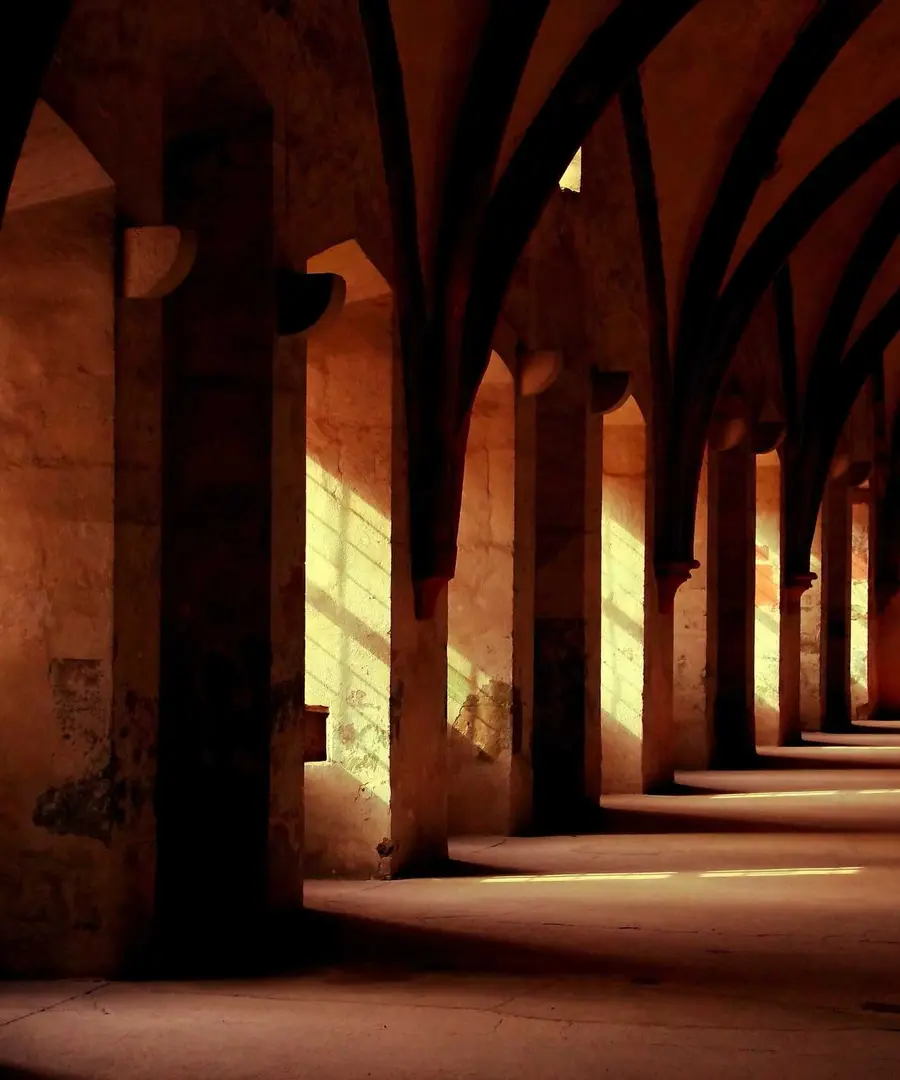 Editorial
Silhouette continuity matters more than stacking five style tags.
 Narrative unit
Short clips work best when they resolve a single visual intention.
Earlier Hailuo generations excelled at short, physics-aware motion. MiniMax H3 widens the contract: longer windows, native 2K, and multimodal references that can carry face, motion, camera, style, or voice into the next take.
Text is the director’s brief. Images lock composition. Video references can guide motion or rhythm. Audio references can influence voice texture when paired with visual media.
Reference generation is for the shots where consistency is the product: recurring characters, product lines, branded motion language, or a known camera feel.
Documented durations run from 4 to 15 integer seconds—enough for a setup, action, and exit without forcing every idea into a six-second punchline.
MiniMax presents H3 as an open-weights general-purpose multimodal video model, not a single-purpose effect filter.
Read these as production levers, not marketing adjectives.
Invent subject, setting, motion, and camera from language when you do not yet have a locked frame.
Start from a designed still and spend the prompt on movement, light change, and camera path.
Direct a transition when the ending composition is as important as the opening.
Combine up to 9 images, 3 videos, and 3 audio files (12 total) to guide identity, motion, style, or voice.
Documented output resolution is 2K, so masters can enter edit timelines without an automatic upscale step.
Common aspect ratios are supported, with adaptive geometry when media defines the frame.
The MiniMax H3 interface language on this site groups creative starts. The official API encodes them as roles inside one V2 content array.
| Starting point | What you provide | Official mode | Best for |
|---|---|---|---|
| Text to video | Prompt only | t2va | Inventing a scene from written direction |
| Image to video | First frame + prompt | i2va | Animating a controlled visual opening |
| First and last frame | Two images + prompt | i2va + last_frame | Directing a transition toward a chosen ending |
| Omni reference | Images / videos / audio + prompt | r2va | Carrying identity, motion, style, or voice |
First/last-frame roles and reference roles are mutually exclusive in the public V2 contract.
These numbers are summarized from MiniMax’s public MiniMax H3 documentation and should be re-checked before a permanent product promise.
Use this exact ID in API requests.
Documented native delivery class for H3.
Integer values only.
Enough for a full shot brief, not a novel.
Each within documented size and aspect limits.
2–15s each, total ≤ 15s.
Must be paired with image or video input.
Request body preferably under 64 MB.
The strongest workflows give one clip a focused job, then assemble multiple results through editing or campaign systems.
Explore camera, blocking, light, and atmosphere before a physical shoot.
Turn a controlled product frame into short movement studies and hooks.
Use references when the same face, wardrobe, or voice needs to reappear.
Direct openings and endings when continuity is the creative point.
Write the shot in playback order. Details earn their place only when they change what the viewer sees or hears.
A night street ad, a quiet portrait, a product hero, or a stylized world—before dialogue or camera flourishes.
Appearance only where it affects identity. Reference media when consistency matters more than prose.
One dominant action and one clear camera path usually beat a stack of competing moves.
If voice, ambience, or an exit frame matters, say so. End on a composition the viewer can remember.
Stay on this site for creative direction, prompting, and API integration notes.
MiniMax H3 is MiniMax’s open general-purpose multimodal video model. The public API model ID is MiniMax-H3. It supports text-to-video, first/last-frame image-to-video, and reference-based generation.
No. Hailuo 2.3 is an earlier public video family known for strong short-clip motion around 1080p and shorter durations. MiniMax H3 is the newer multimodal generation with documented 2K output, 4–15s windows, and omni references.
Community and partner writeups often use Hailuo 3.0 as an informal alias. For integration, trust the official model name MiniMax-H3 and the V2 documentation.
Use the MiniMax H3 API on minimaxh3.video for production tasks, or start in the browser generator when you want to explore shot direction first.
Pick text, a first frame, a first-and-last pair, or omni references—then write one clear job for the clip.